Why document work breaks before approval
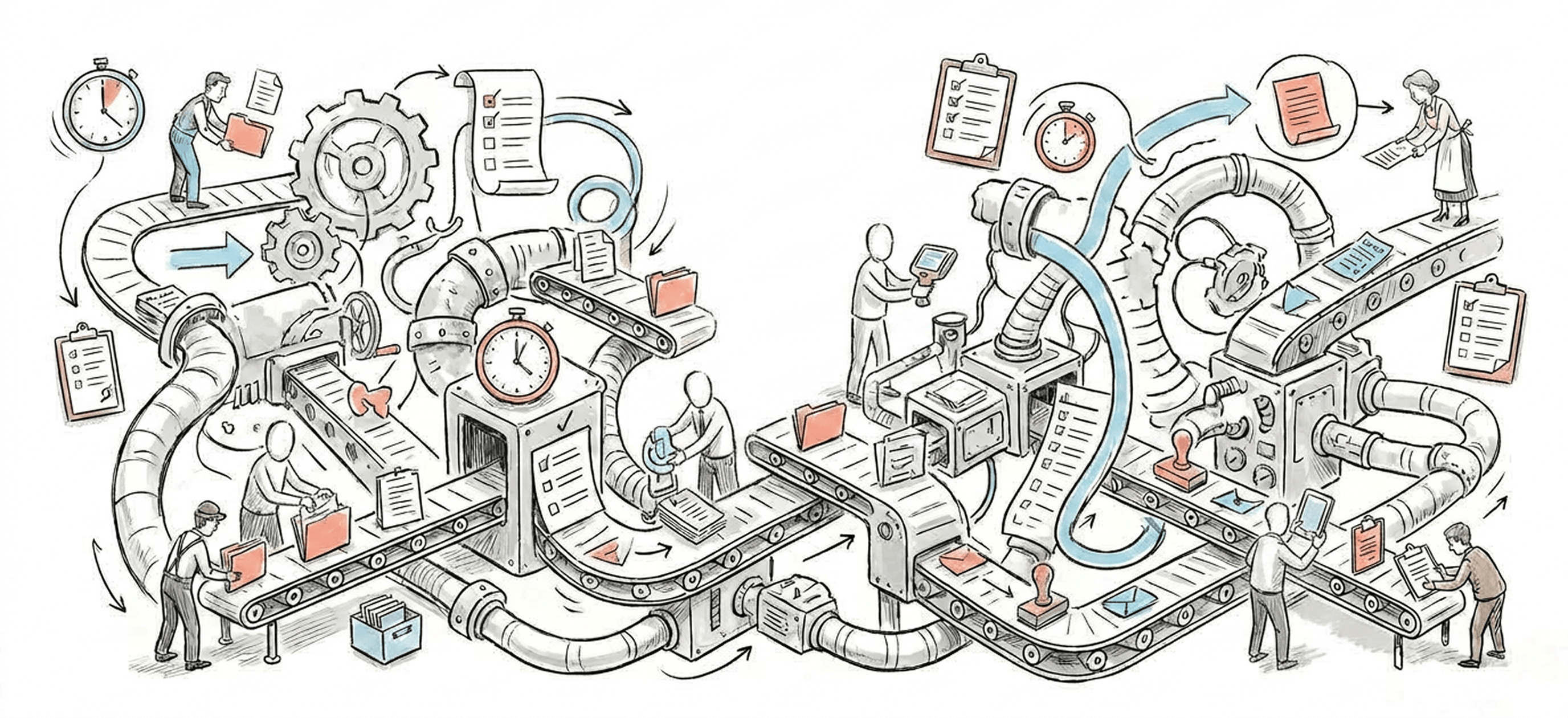
Most document processes do not fail at drafting. They fail when multiple people review, revise, and circulate versions without a clear system for ownership. The result is familiar: duplicate edits, conflicting comments, outdated attachments, and slow approvals because nobody is sure which file is current.
- Stakeholders review different versions of the same document.
- Approvers hesitate because recent edits are unclear.
- Writers redo work that was already completed in another file.
- Teams lose time reconstructing what changed and who changed it.
What a usable version control workflow needs
A strong version control workflow is less about software labels and more about operating rules. Teams need a single source of truth, explicit handoff points, and a simple way to distinguish draft changes from approval-ready changes.
- One system of record for the active document.
- A named owner for each revision cycle.
- Clear status labels such as draft, in review, revision requested, and approved.
- Rules for when comments become required changes versus optional suggestions.
- A visible change log for major edits and decision points.
A practical operating model for revision control
Start by separating the workflow into stages: draft creation, structured review, revision, approval, and archive. Each stage should have one accountable owner and a defined exit condition. That prevents documents from floating indefinitely between contributors.
- Draft stage: the author creates the first version in the system of record.
- Review stage: reviewers comment within a defined time window rather than sending parallel edits.
- Revision stage: one owner consolidates feedback and resolves conflicts.
- Approval stage: approvers review the final version, not a live editing document.
- Archive stage: the approved file is locked, labeled, and stored for future reference.
Where automation helps most
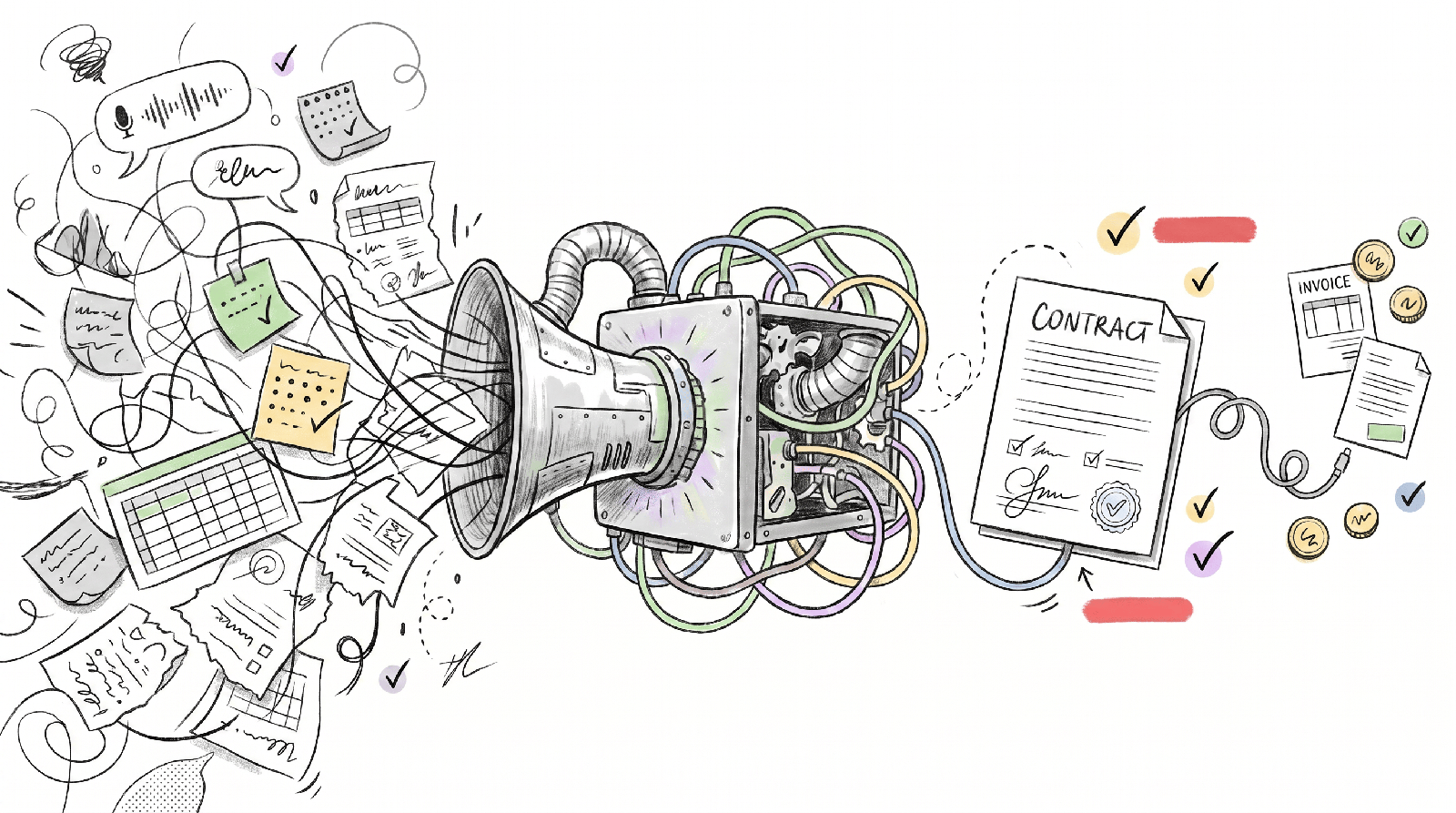
Automation should support the workflow, not replace judgment. Its best use is to remove administrative friction around status changes, notifications, and audit history.
- Automatically route the document to the right reviewers based on type or department.
- Trigger reminders when review deadlines are missed.
- Stamp versions when a document changes status.
- Record approvals and comments in a visible history.
- Move approved files into a controlled repository without manual filing.
Frequently asked
What is the difference between document approval and version control?
Approval determines whether a document can move forward. Version control determines whether everyone is working from the right document along the way. Teams need both to avoid delay and confusion.
Do small teams need formal version control?
Yes, although the system can be simple. Even a small team benefits from one source of truth, defined owners, and clear status labels once multiple reviewers are involved.