Why document approval becomes a bottleneck
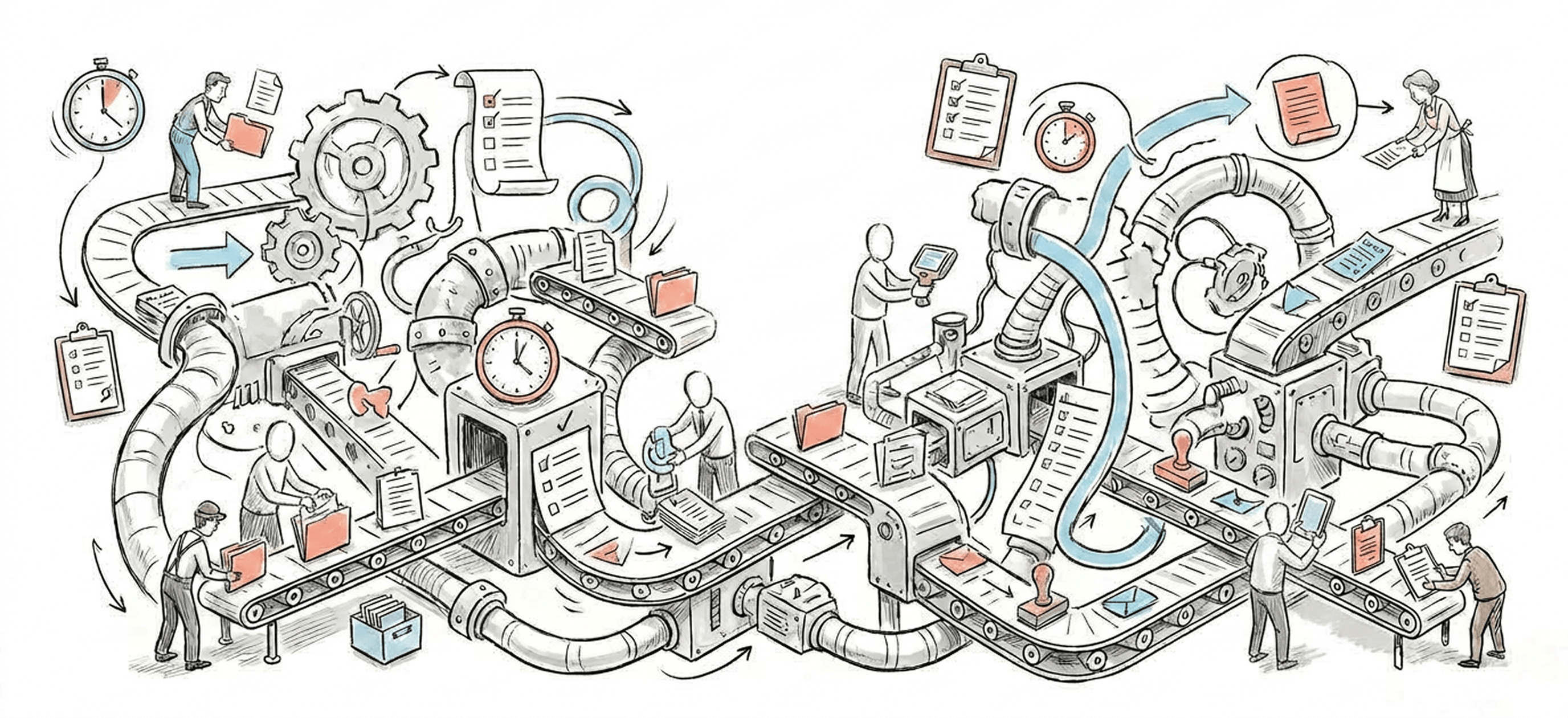
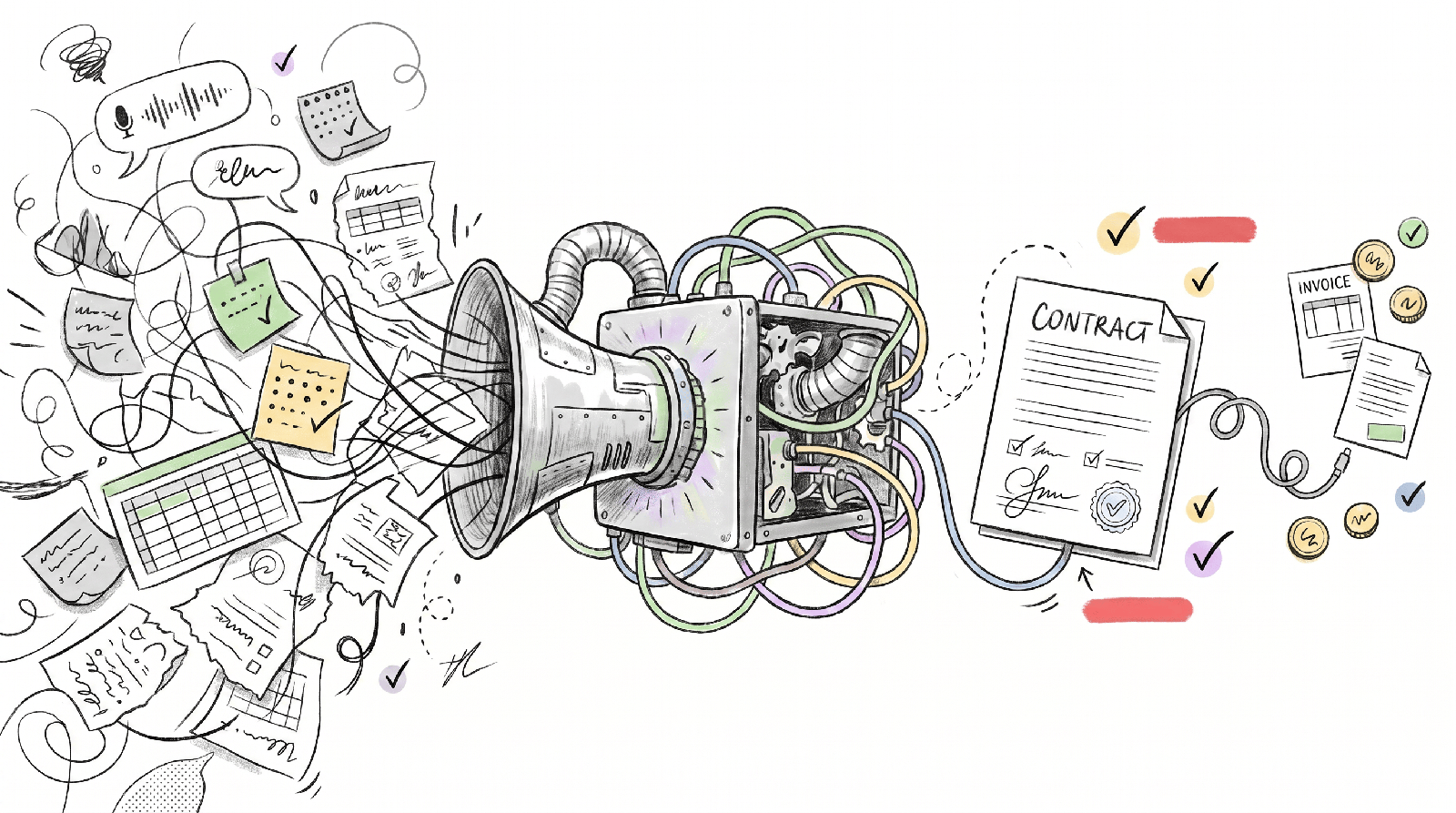
Most document processes do not fail because teams cannot write. They fail because nobody has designed the path from first draft to final approval. Reviews happen out of order, approvers are added too late, comments are buried in email, and the same file circulates in multiple versions.
- Approvers are unclear or change from document to document.
- Teams rely on email threads instead of a single system of record.
- Legal, finance, or leadership reviews are triggered too late.
- There is no standard for what counts as approval-ready.
- Escalation rules are missing when a reviewer does not respond.
Start by separating drafting from approval
A useful approval workflow treats drafting, review, and signoff as separate stages with distinct entry and exit criteria. Drafting is about creating content. Review is about resolving issues. Approval is the formal decision that the document is ready to move forward.
- Define who can create a draft and what template they must use.
- Set a checklist for when a draft is ready for review.
- Route the document to the right reviewers based on document type, value, risk, or department.
- Require consolidated feedback before final signoff.
- Record the final decision, date, and approver in one place.
What to automate first
The best automation targets the coordination work around the document, not just the document itself. Teams usually get the fastest gains by automating routing, reminders, status changes, and approval records.
- Auto-assign reviewers based on document type or amount threshold.
- Trigger reminders when review deadlines are missed.
- Prevent final approval until required fields and attachments are complete.
- Create a visible status trail so owners can see where the file is stuck.
- Store approved versions automatically and retire outdated ones.
How to keep control while moving faster
Speed and control are not opposites. Control improves when the workflow is explicit. Standard templates, predefined reviewer groups, approval deadlines, and audit trails reduce risk more effectively than informal oversight does.
- Limit approvers to roles that are truly required.
- Set service expectations for each review stage.
- Use exception paths for unusual cases instead of making every case complex.
- Track cycle time by stage so delays are visible.
- Review stalled approvals monthly and remove unnecessary steps.
Frequently asked
What kinds of documents benefit most from approval workflow design?
Contracts, policies, proposals, statements of work, procurement documents, and any file that requires input from multiple functions usually benefit first because delay and version confusion are common.
Should every document have the same approval path?
No. The goal is not one universal path. The goal is a small number of standard paths based on risk, value, or document type so teams are not reinventing the process each time.
How do we know if the approval workflow is improving?
Track total cycle time, time spent in each review stage, number of revision loops, percentage of approvals completed on time, and how often documents are sent back for missing information.